
Searches for the best AI app builder are exploding. The KD-0 long-tail “ai-powered app builder” is up nearly 3,000% year over year, and a new roundup seems to drop every week. The problem: almost every one of them quietly means a web app, and none answer the two questions an indie developer actually has. Can it put my app on the App Store? And once it is live, how does anyone find it?
Here is the tell. The single most-upvoted answer in a popular “best AI tool for creating an app from scratch” thread was not a builder at all. It was a chain of tools:
Top-voted answer in the thread - and it is not a single builder. The community already knows 'one prompt = App Store app' is a myth.
“Give all your idea in detail to ClaudeAi and ask to give the project requirements for the app... Now Download CursorAi and sync it with the Android studio... it will give you the whole code... Once Done, you can create an APK from the Android Studio... If everything is fine you can put it in Playstore.”View on Reddit
This is an independent comparison. We do not sell an app builder, so we have no product to crown number one. What we do care about is the part every roundup skips: what happens after you build. Let us sort the field honestly.
Q:What is the best AI app builder in 2026?
A: There is no single winner - it depends on what you are shipping. For a genuine App Store app you can download and own, FlutterFlow is the realistic pick (it is the only one here with one-click native store deployment). For a fast, good-looking web MVP, Lovable. For scalable no-code with a real mobile path, Bubble. For free experimentation, Base44.
The catch nobody mentions: most 'AI app builders' build web apps, and none of them help you get the result found once it is live. That is a separate job called ASO.
- 1.Most AI app builders produce web apps, not native App Store apps
- 2.FlutterFlow is the only tool here with true one-click store deployment
- 3.Every builder hits a complexity wall around 70-80% - plan to graduate to real code
- 4.Building is now the easy half. Getting discovered is the new hard part
The thing no roundup tells you: most “AI app builders” build web apps
When you type “app builder” into Google, you almost certainly picture an icon on a phone home screen, downloaded from the App Store. Most of these tools do not produce that. They produce a web app you open in a browser - which is great for an MVP, but it is not the same thing. The first table is the one no competitor publishes: the field sorted by what it actually outputs.
| Tool | What it actually builds | Reaches the App Store? | How |
|---|---|---|---|
| FlutterFlow | True native iOS + Android (Flutter) | Yes - directly | One-click store deploy + code download |
| Bubble | Web apps + native mobile (Web/Mobile plan) | Yes - on the $69 plan | Native mobile build on the higher tier |
| Lovable | Web app (React + Supabase) | Only via a wrapper | Wrap with Capacitor, then submit |
| Base44 | Web app + backend | Only via a wrapper | Wrap with Capacitor, then submit |
| Replit | Full-stack web (RN/Expo possible) | Web: no. Native: extra work | Build React Native/Expo separately |
| Glide | Mobile-friendly PWA | No - installable web only | Add to Home Screen, not a listing |
The output-reality split. 'Mobile-friendly' is not the same as 'on the App Store.'
Owning your code and being genuinely ready for store submission turn out to be the most-valued and least-common combination. A developer reviewing builders specifically for native mobile put it plainly:
Native output + code ownership + store-readiness is the prized, rare combo - which is exactly FlutterFlow's pitch.
“The best AI no-code app builder for native mobile apps... All the technical stuff like APIs worked without me having to fix anything. Getting ready for app store submission... The code belongs to you - that's rare these days lol.”View on Reddit
The 6 AI app builders worth knowing in 2026
One card per tool, an honest verdict, and a screenshot so you know what you are signing up for. We lead with the only one that actually reaches the App Store.
FlutterFlow - the one that actually ships to the App Store

FlutterFlow
FreemiumVisual drag-and-drop builder over Flutter with AI generation, code download, and one-click Apple/Google Play deployment.
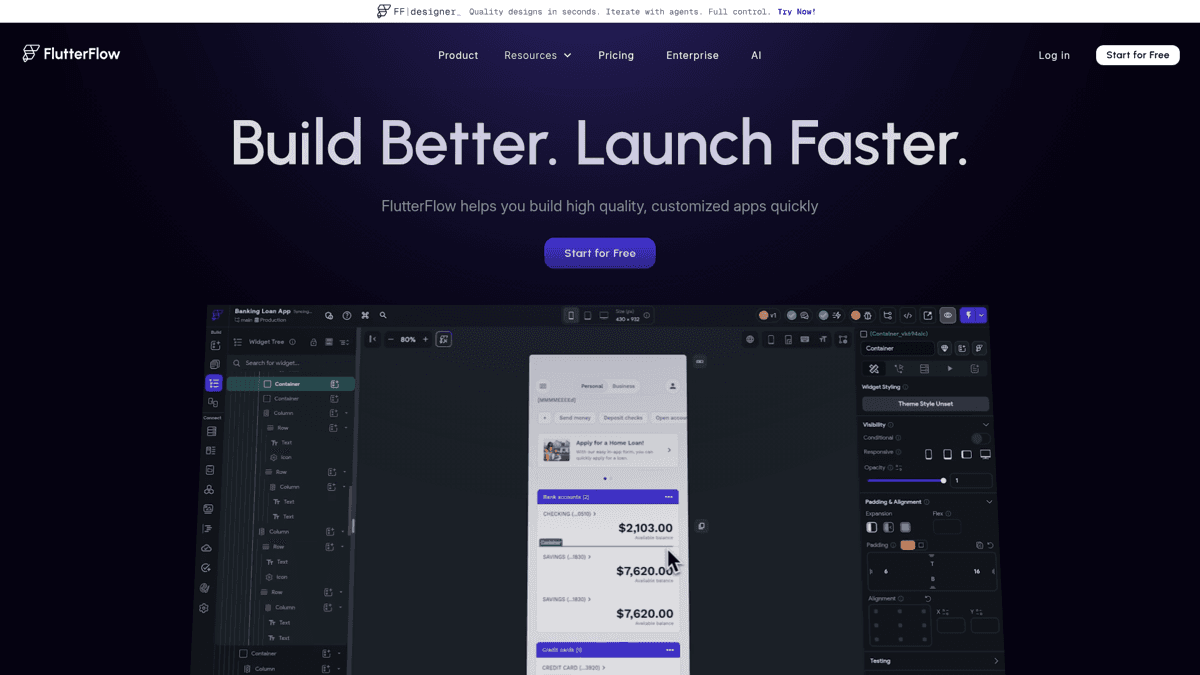
FlutterFlow is a visual IDE over Flutter - more than a prompt box, but the only one that downloads real native code.
FlutterFlow is the realistic choice if your goal is an icon on the App Store. It generates real Flutter code you can download, and its one-click store deployment is a genuine feature rather than a Capacitor wrapper hack. The trade-off is that it feels more like a visual IDE than a “type a prompt, get an app” tool - you will bump into Flutter concepts like widgets and state. Native deployment is gated behind the $39/mo Basic plan.
Our Verdict
🚀FlutterFlow
If your goal is an app on the App Store, this is the realistic pick. Most 'AI app builders' cannot actually get you there. FlutterFlow can.
Best for: Indie devs who want a real, downloadable native app on the store
Strengths
- +The only builder here that ships genuinely native, store-ready apps
- +You can download the real Flutter code - low lock-in
- +One-click store deployment is a real feature, not a wrapper hack
Weaknesses
- −Steeper learning curve - you meet Flutter concepts directly
- −More visual IDE than prompt-to-app
- −Native deploy gated behind the $39 Basic plan
Lovable - best-looking web MVPs

Lovable
FreemiumPrompt-to-full-stack React + Supabase codebase with beautiful default UI, GitHub sync, and custom domains.
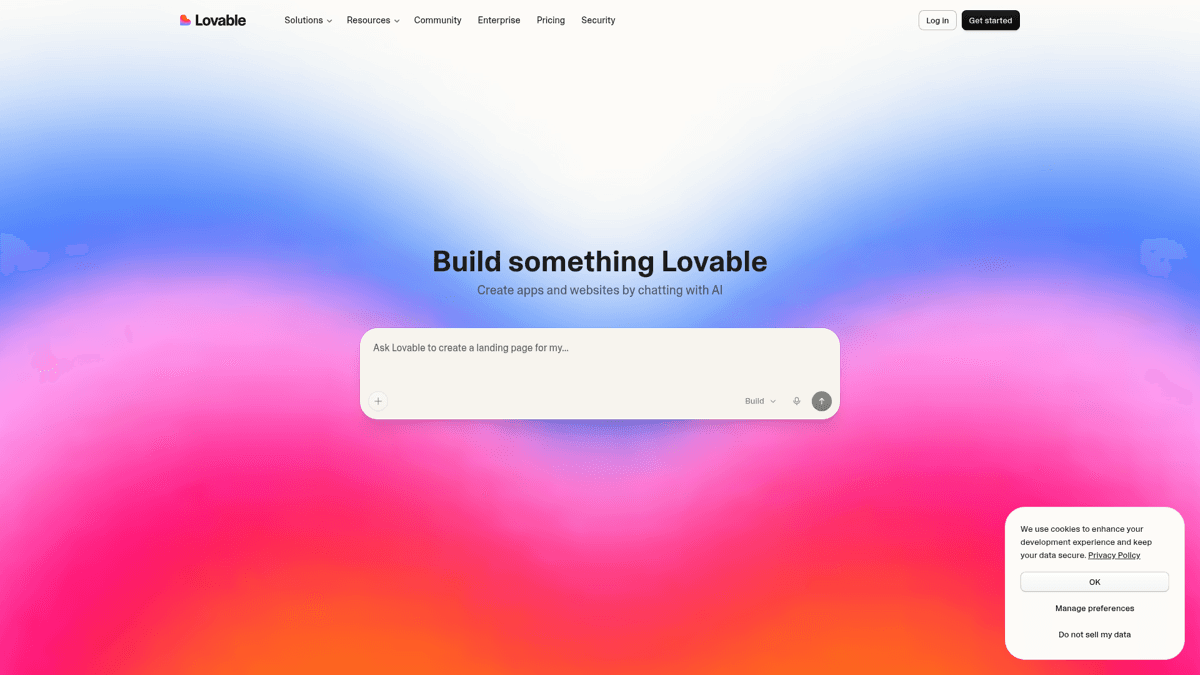
Lovable produces the best-looking output of the prompt-first builders - but the result is a web app.
Lovable is the prettiest of the prompt-first builders and genuinely fast for web MVPs. Real shipped products with paying users exist on it. The honest caveat: the output is a web app, not a native App Store listing, and the credit model means heavy iteration burns through quotas. A founder with a live, paying product described the experience without sugar-coating it:
A real shipped product with paying users - balanced: it works, and complexity is where the wall starts.
“I built my web app MVP on Lovable and have paying users... as you get more complex, it does require you to be very specific when adding features. I used ChatGPT and Claude to help with my prompting and then QA-ing the code.”View on Reddit
Our Verdict
💜Lovable
Best for a fast, good-looking web MVP or prototype. Just know the output is a web app, not an App Store listing.
Best for: Founders who need a beautiful web prototype quickly
Strengths
- +Best-looking output of the prompt-first builders
- +Genuinely fast for web MVPs - real shipped products exist
- +Generous-ish free tier to test the waters
Weaknesses
- −Web-only - no native App Store app
- −Gets vague and fragile as features get complex
- −Credit model means heavy iteration burns quotas
Bubble - the grown-up no-code option

Bubble
FreemiumMature visual no-code platform with workflow and database modeling, AI-assisted building, and a native mobile path on the Web/Mobile plan.
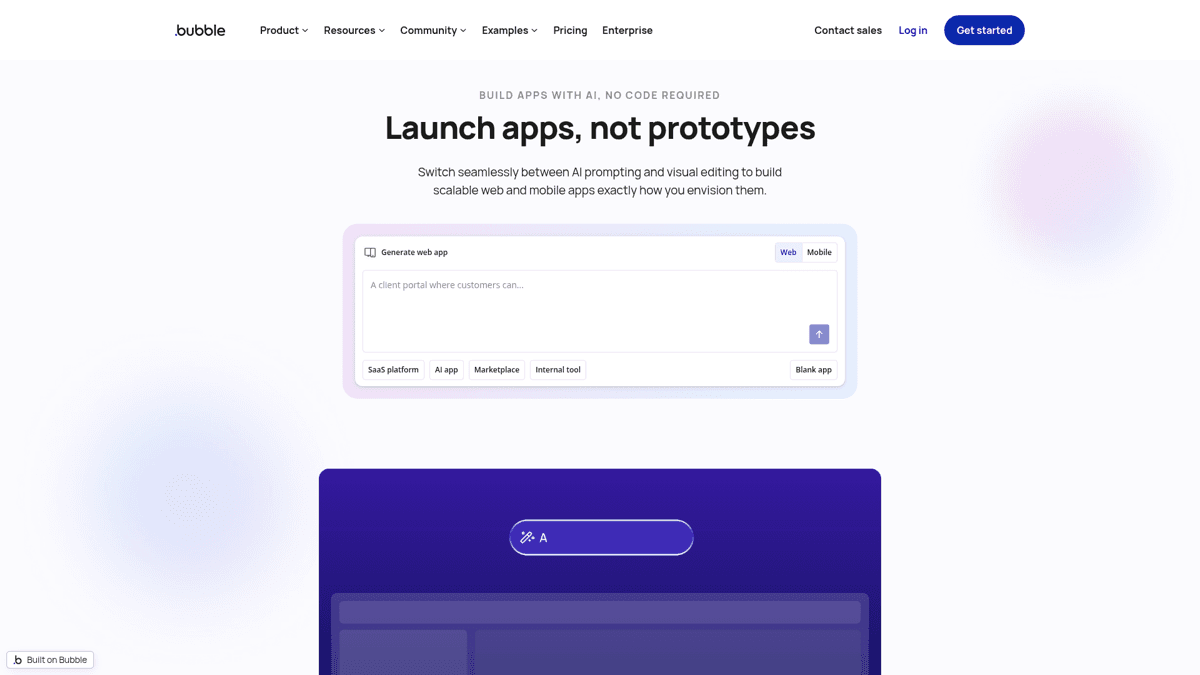
Bubble is the most mature platform here - and the only non-FlutterFlow tool with a real native mobile path.
Bubble is the grown-up option. It scales further than the prompt-first tools, gives you deep control over logic and data, and has a genuine native mobile path - but only on the $69/mo Web/Mobile plan. The cost is complexity: it is steeper than the new AI-first builders, and the community keeps raising the same question about pure no-code.
Our Verdict
🫧Bubble
The grown-up no-code option. Pick it when you have outgrown 'prompt and pray' and need real workflows - and pay up for the mobile plan if you want stores.
Best for: Builders who need real workflows and a scalable no-code base
Strengths
- +Most mature no-code platform - scales past the prompt-first tools
- +Genuine native mobile path on the Web/Mobile plan
- +Deep control over logic and data
Weaknesses
- −Steeper than the new AI-first builders
- −Native mobile gated behind the $69 plan
- −Open questions about pure no-code scaling under real traffic
Replit - for people who want to touch code

Replit
FreemiumIn-browser IDE plus AI agent with one-click hosting, built-in database and auth, and real code you can edit.
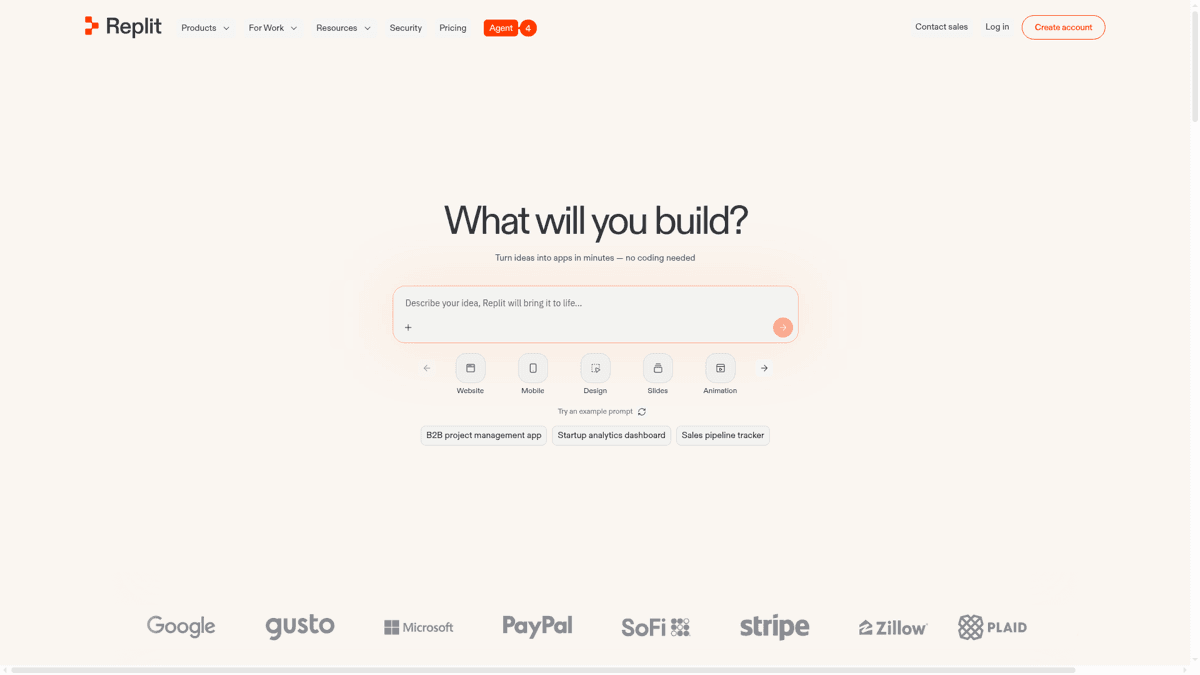
Replit is the closest to real development while staying beginner-accessible - the default result is still a hosted web app.
Replit is for people who actually want to touch code. Hosting, database, auth, and an editable codebase all live in one place, with an AI agent on top. It is a great bridge for developers who want AI help but keep control. The default output is web-first; native mobile via Expo or React Native is possible but takes extra work, and credit-based pricing can get expensive with heavy agent use.
Base44 - best free starting point

Base44
FreemiumPrompt-to-complete-app with a backend, beginner-friendly, with a generous free credit allowance.
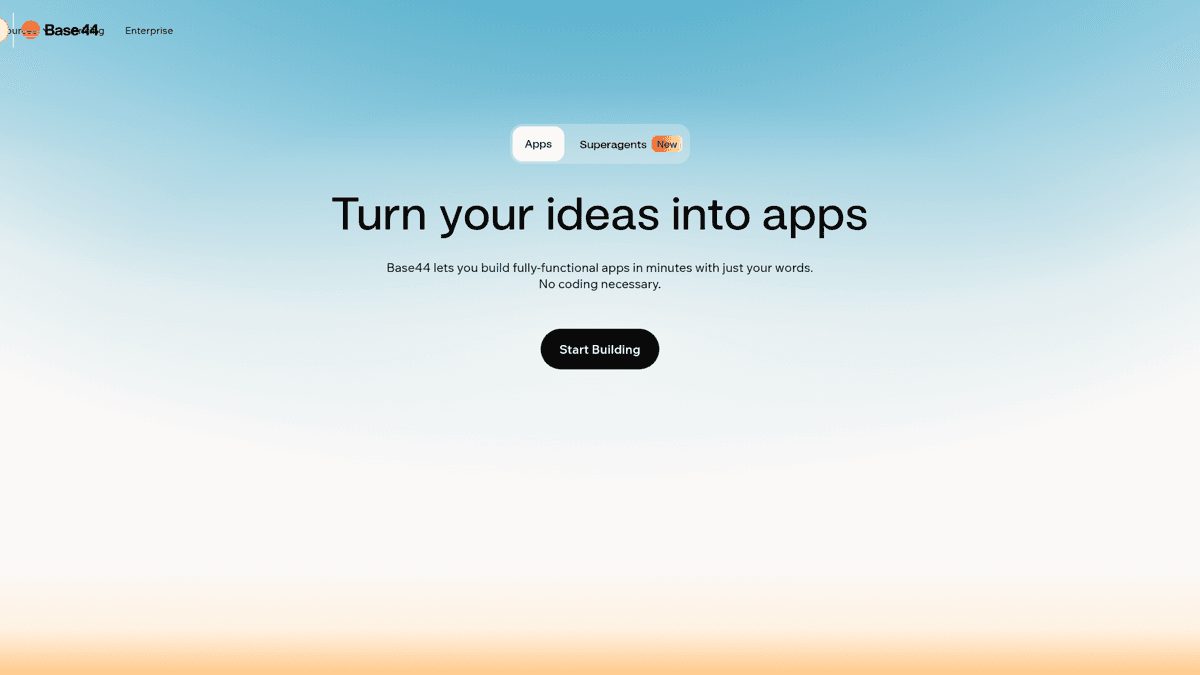
Base44's free credit allowance captures the 'best free ai app builder' search - the output is a web prototype.
Base44 is the answer to “best free AI app builder.” It is genuinely fast for a first MVP, simple enough for total beginners, and its free tier is strong enough to turn an idea into a working web prototype this afternoon. It is newer and less proven than Bubble or Replit at scale, the output is web rather than native, and it carries the same complexity-wall risk as the other prompt-first tools.
Glide - apps on top of a spreadsheet

Glide
FreemiumTurns Google Sheets and Airtable into polished, mobile-friendly apps - great for internal tools and directories.
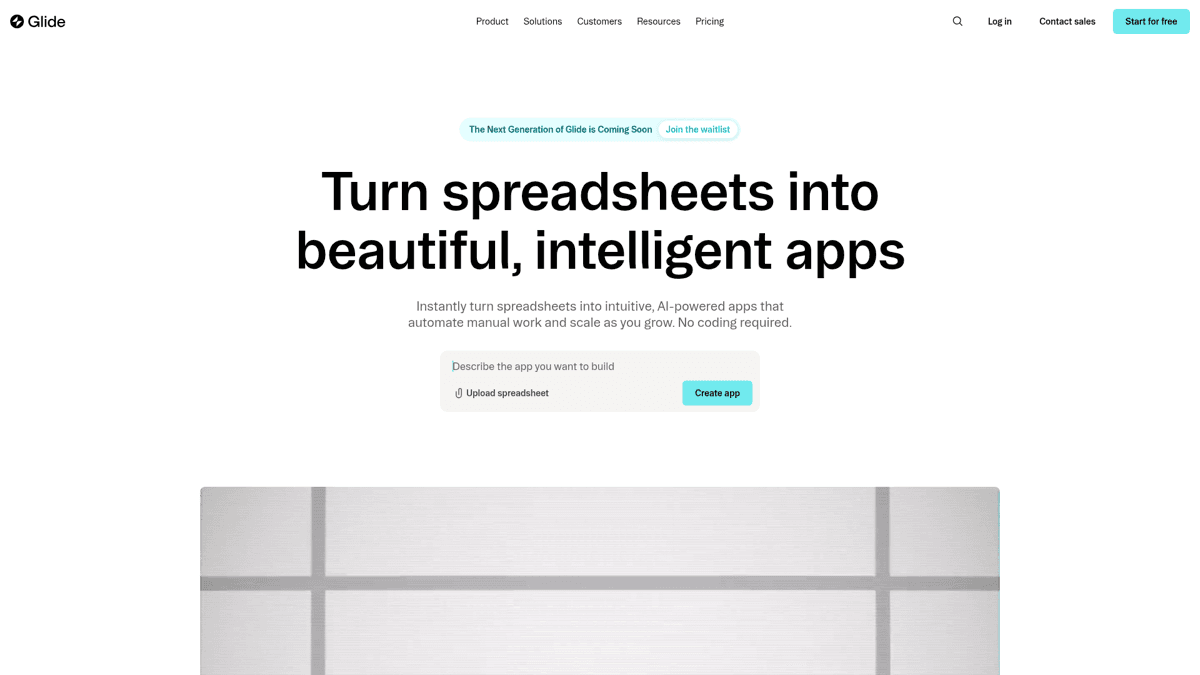
Glide is the fastest path from a spreadsheet to a usable app - but it builds a PWA, not a native listing.
Glide is best when your “app” is really a slick interface on top of data. It is the fastest path from a spreadsheet to something usable, and the output looks genuinely good on mobile. Just remember it is a PWA: “mobile-first” does not mean “on the App Store,” and you are building within a spreadsheet's limits.
The five prompt-first and data-app tools above share a common shape. Here is the honest pros-and-cons of that whole category, so you know what you are trading for the speed:
Prompt-first and PWA builders (Lovable, Base44, Replit, Glide, Softr)
Pros
- ✓Fastest path from idea to a working prototype
- ✓Beautiful default UI with little effort
- ✓Generous free tiers to experiment
- ✓Several let you export or sync the code
Cons
- ✗Output is a web app or PWA, not a native App Store listing
- ✗All hit a complexity wall as features grow
- ✗Credit models can get expensive with heavy iteration
- ✗Reaching the App Store needs a Capacitor/wrapper detour
The feature and pricing matrix (current 2026 numbers)
Competitors leave pricing vague (“pricing not specified,” “needs inquiry”). Here are the real, current numbers in one place, plus the two attributes that actually matter for shipping: do you own the code, and can it deploy to a store?
| Tool | Output | Own the code? | Native store deploy | Free tier | Cheapest paid |
|---|---|---|---|---|---|
| FlutterFlow | Native iOS/Android | Yes - download | Yes - one-click | 2 projects (web publish) | $39/mo |
| Lovable | Web (React) | Yes - GitHub sync | No - wrapper | 5 daily credits | $25/mo |
| Bubble | Web + native mobile | No - hosted | Yes - on $69 plan | Free plan | $32/mo (web) |
| Replit | Web (editable code) | Yes | No - extra work | Limited public apps | $25/mo |
| Base44 | Web app | Partial | No - wrapper | Monthly credits | Paid for more |
| Glide | PWA | No | No | Small user counts | Scales by users |
The 'native store deploy' column is where the field separates. Most cannot do it without a detour.
Annual Cost Comparison
Note the punchline: FlutterFlow's native + one-click store plan ($39) costs less than Bubble's mobile plan ($69) - and far less than a freelancer to wrap a web app for the store.
The wall everyone hits (and what to do about it)
Every Reddit thread describes the same arc: the AI builder gets you 70-80% of the way, fast, and then the last stretch turns into a grind. Features get fragile, prompts need to be painfully specific, and AI-generated code becomes a maintenance question. This is not a reason to avoid these tools. It is a reason to plan for the handoff.
⚠️ Plan for the complexity ceiling
AI builders are excellent for the first 70-80%. Pure no-code can struggle once real traffic and complex logic arrive, and AI-generated code still needs debugging and maintenance. Treat the builder as a prototyping head start, not a forever home - and pressure-test scaling before you depend on it.
The canonical pattern in the community is simple: prototype in an AI builder, then graduate to real code when you hit the ceiling.
The 'start in a builder, graduate to real code' workflow, stated plainly.
“I use Lovable for UI drafts, then move it to Kilo Code in VS Code for the development, as Lovable has its limits.”View on Reddit
The scaling concern that the 'just vibe-code it' hype skips.
“Zero-code app builders like Bubble or Adalo might work, but have you stress-tested how they handle scaling when your marketing kicks in?”View on Reddit
The maintenance reality for non-coders, in one line.
“AI generated code works, but its a nuisance to debug.”View on Reddit
If you want the full route from AI-generated code all the way to a live listing, we wrote it up separately: the full pipeline from AI code to the App Store. And if you are still at the concept stage, it is worth learning to validate the idea before you build so you do not pour builder credits into something nobody searches for.
And then what? The part every builder skips: getting found
Here is what no builder roundup will tell you. Shipping the app used to be the hard part. It is not anymore. With AI builders, you can have something live in a weekend. The new hard part is discovery: the App Store holds millions of apps, and AI-built apps tend to ship with default or empty metadata - a generic title, no keywords, the wrong category. An app nobody can find is the same as an app that does not exist.
Before you submit, spend an hour on the listing. This is the step that decides whether your weekend build gets any organic installs at all.
Research keywords before you submit
Find the terms real users actually search for in your category, with volume and difficulty, so your title and keyword field target demand that exists - not guesses.
Write a keyword-optimized title and subtitle
The App Store indexes your title, subtitle, and the 100-character keyword field. Put your highest-value, lowest-competition terms where the algorithm reads them.
Pick the right category
Category placement affects which charts you can rank in and which browse surfaces show your app. The wrong category buries even a good app.
Track your rank after launch
Once you are live, watch how you move for your target keywords over time so you know which metadata changes actually helped.
The pre-submission ASO checklist that turns a built app into a found app.
ASO Maniac is the step that comes after the builder
ASO Maniac is not an app builder - it is the discovery layer you use once your AI-built app is ready to submit. AI-powered keyword research, keyword popularity scoring (1-100), and competitor analysis find the terms that get your app discovered, while rank tracking and an MCP server let you (and your AI agent) watch how it climbs. Build with whatever tool fits. Get found with ASO Maniac at asomaniac.com.
For the deeper mechanics, see our guides on the 100-character keyword field and how apps actually get discovered. You can also start your keyword research directly at asomaniac.com.
Which AI app builder should you actually pick?
There is no single best - match the tool to the output you need. The community said the same thing: test by use case instead of chasing “best overall.”
There is no single best builder - match the tool to the job.
“testing tools by use case instead of chasing 'best overall'... quick demo or pitch -> bolt... full product that needs to scale -> bubble ai... if you want ownership and low vendor risk -> tooljet... pick one lane and push it to see its limits.”View on Reddit
A quick decision guide by goal:
- “I want an app on the App Store” → FlutterFlow (the only one with one-click native deploy).
- “A fast, good-looking web MVP to show users” → Lovable, or Base44 if you want it free.
- “Scalable no-code with a real mobile path” → Bubble (on the Web/Mobile plan).
- “I am happy to touch code” → Replit.
- “An app on top of my data” → Glide.
Whatever you pick, the checklist below is the part that does not change - because it is about getting the app found, not built.
✅Before you submit your AI-built app
The build is only half the job. Run this list before you hit submit.
Confirm what your tool actually outputs (native vs web/PWA)
Only FlutterFlow and Bubble (mobile plan) reach the store without a wrapper.
Make sure you can export or own the code if you outgrow the tool
Research keywords with real volume and difficulty
Write a keyword-optimized title and subtitle
Choose the right App Store category
Set up rank tracking so you can see what works after launch
Our Verdict
🏆The bottom line
There is no single best AI app builder - the honest answer is 'it depends on what you are shipping.' Most of these build web apps; only FlutterFlow (and Bubble's mobile plan) reach the App Store cleanly. And remember the two truths every roundup skips: shipping is now the easy half, and getting found is the hard half.
Best for: Anyone who wants the result discovered, not just built
Strengths
- +FlutterFlow for genuine App Store apps you own
- +Lovable/Base44 for fast, free web prototypes
- +Bubble for scalable no-code with a mobile path
Weaknesses
- −Every builder hits a wall - plan to graduate to code
- −None of them help you get found - that is a separate ASO job