
Apple gives you 100 characters and almost no documentation. Google Play gives you 4,000 characters and indexes your entire description. Most developers waste both.
This guide covers exactly how App Store keywords work on iOS and Google Play, the rules Apple barely explains, the single-word vs phrase debate the community keeps arguing about, and a step-by-step research workflow using free tools. No 12,000-word encyclopedia - just what you need to know.
Q:What are App Store keywords and how do they work?
A: App Store keywords are search terms you add to a hidden 100-character field in App Store Connect. Apple combines these with your app title and subtitle to determine which searches your app appears in. Use single words separated by commas (no spaces), never repeat words from your title or subtitle, and skip plurals since Apple handles them automatically. For Google Play, keywords work differently - they're extracted from your full description, not a separate field.
- 1.iOS: Hidden 100-character keyword field in App Store Connect
- 2.Google Play: No keyword field - uses your title and description
- 3.Use commas to separate keywords, no spaces after commas
- 4.Never duplicate words already in your title or subtitle
- 5.Apple indexes plurals automatically - save those characters
iOS vs Google Play: how keywords work differently
Before optimizing anything, understand this: iOS and Google Play handle keywords in fundamentally different ways. The strategy that works on one platform can waste your time on the other.
| Factor | iOS App Store | Google Play |
|---|---|---|
| Keyword input | Hidden 100-character field | No dedicated field - uses description |
| Title length | 30 characters | 30 characters |
| Subtitle / short desc | Subtitle: 30 characters (indexed) | Short description: 80 characters (indexed) |
| Long description | NOT indexed for search | Fully indexed (4,000 characters) |
| Plurals | Handled automatically - skip them | Include both singular and plural forms |
| Stop words | Skip 'the', 'and', 'a', etc. | Less strict - include natural language |
| Review keywords | Not used for ranking | Indexed for search ranking |
| Re-indexing speed | 1-2 weeks after update | Days after update |
Key differences in how iOS and Google Play handle keywords
The biggest takeaway: on iOS, every character counts because you only have 100. On Google Play, you have 4,000 characters of description to work with, plus your short description and title. Different constraints, different strategies.
The 100-character keyword field: rules that actually matter
Apple's keyword field documentation is infamously sparse. Here are the rules that actually impact your rankings, gathered from Apple's guidelines and what the ASO community has validated through testing.
Use single words, not phrases (mostly)
This is the #1 debate in every ASO community. Should you enter "photo editor" as a phrase, or "photo,editor" as separate words? The conventional wisdom says: use single words. Apple combines words from your title, subtitle, and keyword field to match search queries. Entering "photo" and "editor" separately lets Apple match both "photo editor" and "best photo editor" without wasting characters on spaces.
ASO practitioner on keyword field strategy
“Option B [single words]. Also, avoid repeating keywords in the title, subtitle, and keywords. In the new version, the App Store has changed its search functionality, and it's possible that keyword optimization should also be updated.”
But there is a contrarian view worth considering, especially for indie developers competing against large companies:
Contrarian take - single words favor big companies
“The problem of option B [single words] is: they are not for you if you don't pay money for them. Those keywords with single hot words are always bought by large companies. So if you choose option B, you could hardly hope to get organic traffic. In option A, these are long-tail keywords style, and the opportunities they offer are more likely to be available to small teams or individual developers.”
The practical answer: use single words for most of your 100 characters, but consider a few two-word phrases for long-tail terms where you can realistically rank. If you are a solo developer competing for "camera" alone, you will lose to Apple and Google every time. But "security,camera" as separate words still lets Apple match "security camera" while also matching other combinations.
Never repeat words from title or subtitle
Apple indexes your title, subtitle, and keyword field together. Any word in your title or subtitle is already indexed - repeating it in the keyword field wastes characters. If your title is "Homy - Security Camera", don't put "security" or "camera" in your keyword field. Use those 100 characters for entirely new terms.
Skip spaces, plurals, and stop words
Three rules that save you 15-20 characters immediately:
No spaces after commas
Write 'photo,editor,filter' not 'photo, editor, filter'. Every space wastes a character from your 100-character budget.
Skip plurals
Apple handles plural matching automatically. 'game' will match 'games' too. Save those characters for new keywords.
Drop stop words
Words like 'the', 'and', 'a', 'or', 'for', 'with' are ignored by Apple's search. Never include them in your keyword field.
Each rule saves 2-8 characters - that adds up fast in a 100-character field
Order might matter - put important keywords first
There is evidence (though not confirmed by Apple) that keywords earlier in the field carry slightly more weight. Put your highest-value keywords first, lower-priority ones at the end. It costs you nothing to try and the downside is zero.
The localization keyword sharing trick
This is the most underused tactic in iOS ASO. Apple shares keywords between certain locale pairs. For example, if you localize for both English (US) and Spanish (Mexico), Apple indexes keywords from both localizations for users in the US. This effectively gives you 200 characters instead of 100.
⚠️ Don't waste this
Check Apple's documentation for which locale pairs share keywords. The most useful pairs for English-speaking markets: English (US) + Spanish (Mexico), English (UK) + English (Australia). Use your secondary locale's keyword field for additional terms, not duplicates.
How to research keywords: step-by-step workflow
You don't need a $300/month tool to do keyword research. Here is a practical workflow that starts with free tools and scales up when you are ready.
Brainstorm seed keywords
List every word a user might type to find your app. Think about the problem you solve, not your feature names. A user searching for a to-do app types 'task manager', 'checklist', 'planner' - not 'kanban board with drag-and-drop'.
Use Apple Search Ads for free keyword data
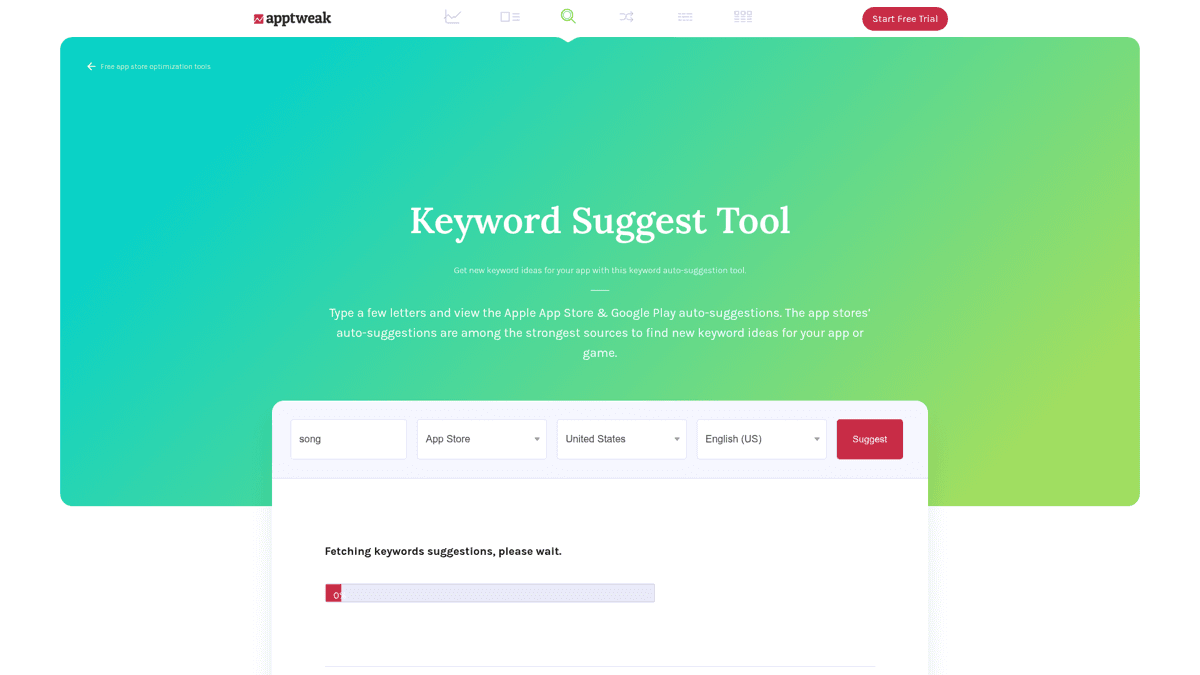
Create an Apple Search Ads Advanced account (free). Start creating a campaign - you don't have to launch or spend anything. The keyword suggestion tool shows popularity scores, related keywords, and estimated search volume. This is first-party Apple data and it's the most reliable signal you'll get for free.
Spy on competitor keywords
Look at your top competitors' titles, subtitles, and descriptions. These are visible on the App Store and reveal what keywords they're targeting. ASO tools like ASO Maniac or AppTweak can also show estimated keywords competitors rank for.
Filter by difficulty and relevance
Not every popular keyword is worth targeting. Filter your list by: relevance to your app (critical), search volume (higher is better), and competition/difficulty (lower is better for indie apps). Tools with difficulty scoring help here - ASO Maniac provides AI-powered difficulty analysis alongside popularity data.
Distribute across title, subtitle, and keyword field
Put your highest-value keywords in the title (most ranking weight). Next priority goes to the subtitle. Everything else goes in the keyword field. Remember: never repeat a word across these three fields.
Run this workflow before every app update - keywords should evolve with each release
The #1 community-recommended free keyword research hack
“You can try Apple Search Ads Advanced - just start creating a campaign without launching or paying for it, you will have a pretty decent keyword tool at your hands there.”
AI-powered keyword research
ASO Maniac combines keyword popularity scoring (1-100), difficulty analysis, and AI-powered suggestions to help you find keywords you'd miss manually. Works for both App Store and Google Play, with multi-country support and agent skills + CLI for AI agent workflows.
App Store keyword research tools (free and paid)
Here are the tools worth considering for keyword research, organized from free to premium. You don't need all of them - pick one that fits your budget and workflow.
Important: ASO keywords are not SEO keywords
“I do not recommend using SEO tools to conduct keyword research for apps because user behavior on the web and in apps differs significantly.”
Apple Search Ads (free)
The best free starting point, period. Apple Search Ads Advanced gives you keyword suggestions with popularity scores pulled directly from Apple's own data. Create an account, start a campaign, use the keyword tool, and never launch the campaign. You get the most accurate popularity signals available - because they come from Apple itself. The downside: no difficulty scores, no Google Play data, and a clunky campaign-creation workflow.
ASO Maniac (free trial)
ASO Maniac is an AI-native keyword research platform built for indie developers. It provides keyword popularity scoring (1-100), difficulty analysis, AI-powered keyword suggestions, and covers both App Store and Google Play in one dashboard. Agent skills and a CLI let you connect keyword data directly to AI agents for automated ASO workflows. Best for developers who want modern tooling without enterprise pricing.
Astro ($9/month)
Astro is a native Mac app that provides keyword research, popularity scoring, and keyword tracking at the cheapest price point in the market. If you are a Mac developer who wants keyword data without a browser-based dashboard, Astro is hard to beat. The limitation: Mac-only and fewer features than full ASO platforms.
Appfigures ($9.99/month)
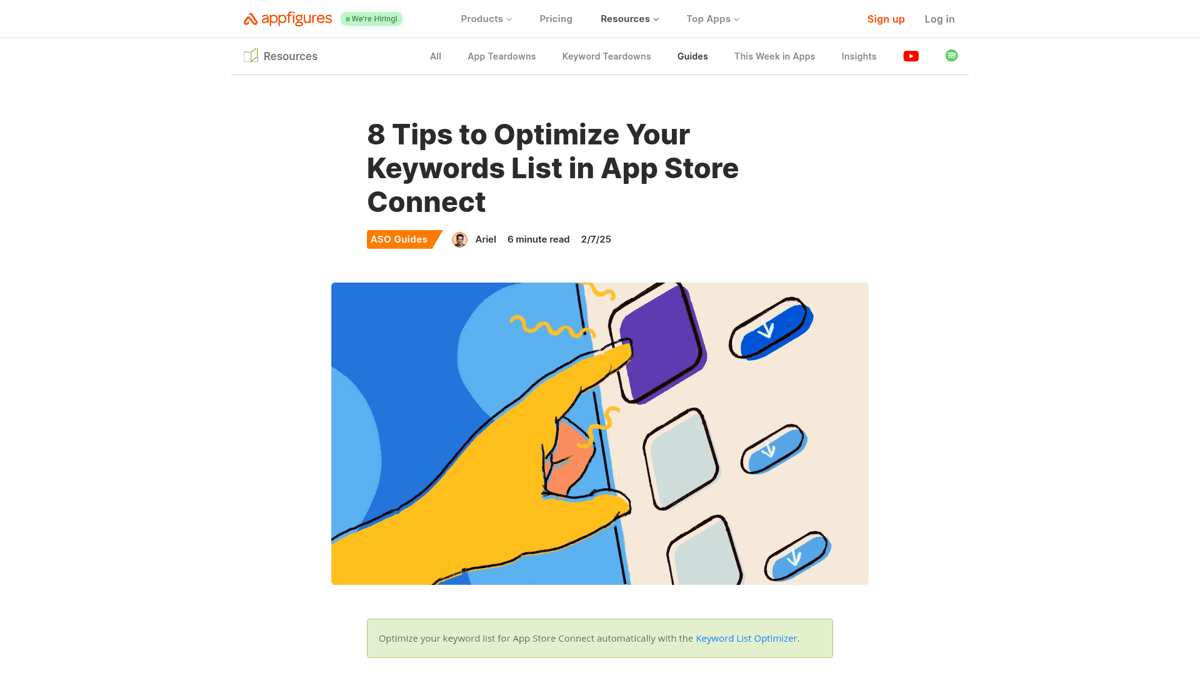
Appfigures offers solid keyword optimization guidance with its ASC keyword optimization tool. It includes stop word filtering, keyword tracking, and practical tips for filling your 100-character field. The entry price ($9.99/month with a 1-month free trial) makes it accessible for indie developers starting out with ASO.
App Radar (free tier / paid from €69/month)
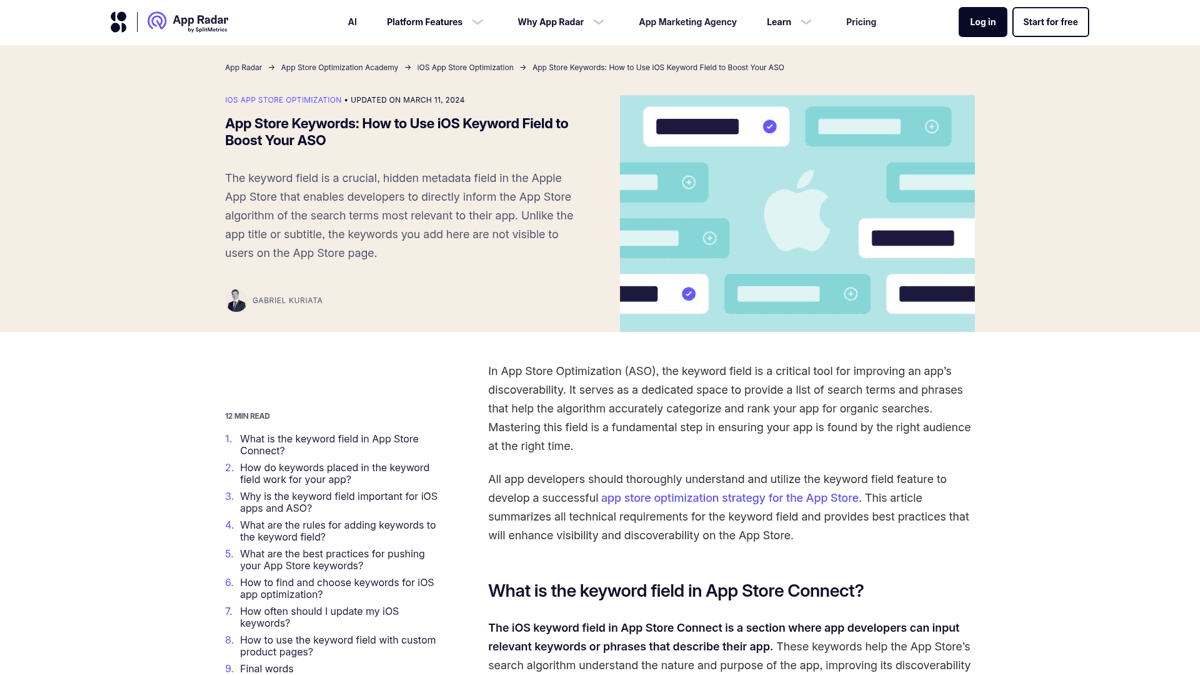
App Radar is one of the few ASO tools with a genuine free tier. You get limited keyword tracking and AI-powered suggestions at no cost. The paid tier is expensive, but the free version is useful for beginners exploring ASO.
Community hack for using free-tier ASO tools
“App Radar is pretty good. They have a free version that allows you to add a certain number of keywords. You can always just delete some keywords and search new ones if you hit the limit.”
AppTweak ($79/month+)
AppTweak has the most comprehensive keyword database with multi-language support, volume + difficulty metrics, and competitor keyword tracking. The 7-day free trial lets you evaluate it, but the $79/month starting price puts it firmly in team/agency territory. If your app revenue justifies the cost, AppTweak is the most full-featured option.
For a detailed comparison of all major ASO tools (including pricing breakdowns and editorial verdicts), see our honest review of the best ASO tools in 2026.
5 keyword mistakes that tank your rankings
These mistakes are painfully common and each one wastes characters or actively hurts your rankings.
🚫 Wasting characters on spaces and duplicates
Every space after a comma costs you one character. Every word duplicated from your title costs you 5-15 characters. In a 100-character field, that's 20% of your budget gone on nothing. Write 'photo,editor,filter' not 'photo, editor, filter'.
⚠️ Using full phrases instead of single words
Entering 'photo editing app' as a phrase wastes characters. Apple combines words from your title, subtitle, and keyword field automatically. Enter 'photo,editing,app' as separate words and Apple matches 'photo editing app', 'best photo editing', and every other combination.
⚠️ Repeating title or subtitle words in keyword field
If your title is 'SnapEdit - Photo Editor', putting 'photo' or 'editor' in your keyword field does nothing. Those words are already indexed from the title. Use all 100 characters for new terms only.
⚠️ Ignoring localization keyword sharing
Apple shares keywords between certain locale pairs. If you only fill the English (US) keyword field, you're leaving 100+ characters on the table. Add a secondary localization (like Spanish - Mexico) and fill its keyword field with additional terms.
⚠️ Setting keywords once and forgetting them
Your keyword field should evolve with every app update. Trends change, competitors shift, and new search terms emerge. Use each app update as a chance to test new keywords and drop underperforming ones.
Keyword optimization checklist
Run through this before every app update submission. It takes five minutes and can make the difference between page one and page nowhere.
🎯App Store keyword optimization checklist
Complete before every App Store Connect submission
No words repeated across title, subtitle, and keyword field
Apple indexes all three together - duplicates waste characters
Keywords separated by commas with no spaces
Every space costs you one character from the 100 limit
No plurals in keyword field (Apple handles them)
Use 'game' not 'games' - saves 1 character per keyword
No stop words (the, and, a, or, for, with)
Apple ignores these - don't waste characters on them
Highest-value keywords placed first in field
Evidence suggests earlier position carries more weight
Secondary localization keyword field filled
Locale pairs share keywords - double your character budget
Keyword difficulty checked (not just popularity)
High popularity + high competition = wasted effort for indie apps
Keywords updated since last app version
Every update is a chance to test new keywords
The best keyword strategy is the one you actually iterate on. Research, implement, measure, repeat - every app update is a chance to improve your search visibility. Start with the free Apple Search Ads trick, graduate to a dedicated ASO tool when your app revenue justifies it, and never stop testing new keywords.