Millions of people are building apps with AI right now. They describe what they want, the AI writes the code, and a working app appears in minutes. But there is a problem - Apple is pulling vibe-coded apps from the store faster than people can submit them.
The question is not whether you can build an iOS app with AI. You absolutely can. The question is whether you can build one that survives Apple's review process, gets approved, and actually gets found by users. This guide covers the full pipeline - from picking your tool to optimizing your App Store listing.
Q:Can you publish a vibe coded app on the App Store?
A: Yes - vibe coded apps get approved every day. Apple isn't banning AI-built apps; they're cracking down on LOW-QUALITY apps. If your app has proper security, polished UI, and clear purpose, it will pass review. The key is treating vibe coding as a starting point, not the finish line - expect to manually refine the last 20-30% and optimize your App Store listing for discoverability.
- 1.Apple rejects low-quality apps, not AI-built apps specifically
- 2.Expect to manually polish 20-30% of AI-generated code
- 3.You still need an Apple Developer Account ($99/year)
- 4.ASO (App Store Optimization) is critical for getting discovered
- 5.Cursor and Claude Code are the top community-recommended tools
What is vibe coding (and why Apple cares)
Vibe coding is a term coined by Andrej Karpathy in early 2025. The idea is simple: you describe what you want in natural language, and an AI writes the code for you. Instead of learning Swift or React Native, you just tell the AI "build me a workout tracker with a dark theme and calendar view" and it does.
The explosion of vibe coding has flooded the App Store with new submissions. Apple has responded by tightening review standards. This is not new - Apple has always rejected low-quality apps. But the volume of AI-generated submissions has made reviewers much pickier about what gets through.
The Apple crackdown: what is actually happening
There is a lot of fear around Apple rejecting vibe-coded apps. Some of it is justified. Some of it is overblown. Here is what is actually going on.
What Apple is rejecting
Apple is cracking down on two separate categories. First, obviously low-quality apps - the ones with placeholder text, broken buttons, and no clear purpose. These have always been rejected, but the flood of AI-generated apps means there are more of them than ever.
Second, Apple has started rejecting apps that are themselves vibe coding tools. The app "Anything" (a Lovable competitor) was pulled from the store. This is a different issue from your vibe-coded app being rejected.
Clarifying what Apple is actually rejecting
“Its two different categories they are blocking: they are rejecting obviously poorly written apps (current policy, lots of vibe code apps fit this definition) and apps that help with vibe coding.”
⚠️ Apple's two-pronged crackdown
Apple is rejecting two things: (1) low-quality apps regardless of how they were built, and (2) apps that ARE vibe coding tools. Your vibe-coded app is in category 1 territory - focus on quality and you'll be fine.
What Apple is NOT rejecting
Quality apps built with AI assistance get approved every single day. Apple does not scan your binary to check whether Claude or Cursor wrote the code. They care about the end result - does it work, does it look polished, does it provide genuine value?
Experienced developer reassuring about Apple's review process
“I have 10 years of experience building apps and publishing them on the App Store. So don't worry - if your app is high quality and doesn't violate any of Apple's policies, it will still be approved. 'Vibe coding' doesn't mean low-quality apps. As long as you invest time and effort into refining...”
Best vibe coding tools for iOS apps
Not every AI coding tool is built for mobile apps. Some generate web apps that need extra work to ship on iOS. Others produce native Swift code directly. Here is how the top tools compare for building App Store-ready apps.
| Tool | Type | iOS Capability | Pricing | Best For |
|---|---|---|---|---|
| Cursor | AI code editor | Full (SwiftUI + React Native) | Free / $20/mo Pro | Developers who want control |
| Claude Code | AI coding agent | Full (any framework) | $20/mo Pro / $100/mo Max | Complex projects, power users |
| Lovable | AI app builder | Partial (web-first) | Free / $20/mo Starter | Prototyping and web MVPs |
| Replit | Cloud IDE + AI | Partial (React Native) | Free / $25/mo Core | Beginners, no local setup |
| Vibecode App | Mobile app builder | Full (mobile-first) | Check website | Non-developers |
Cursor
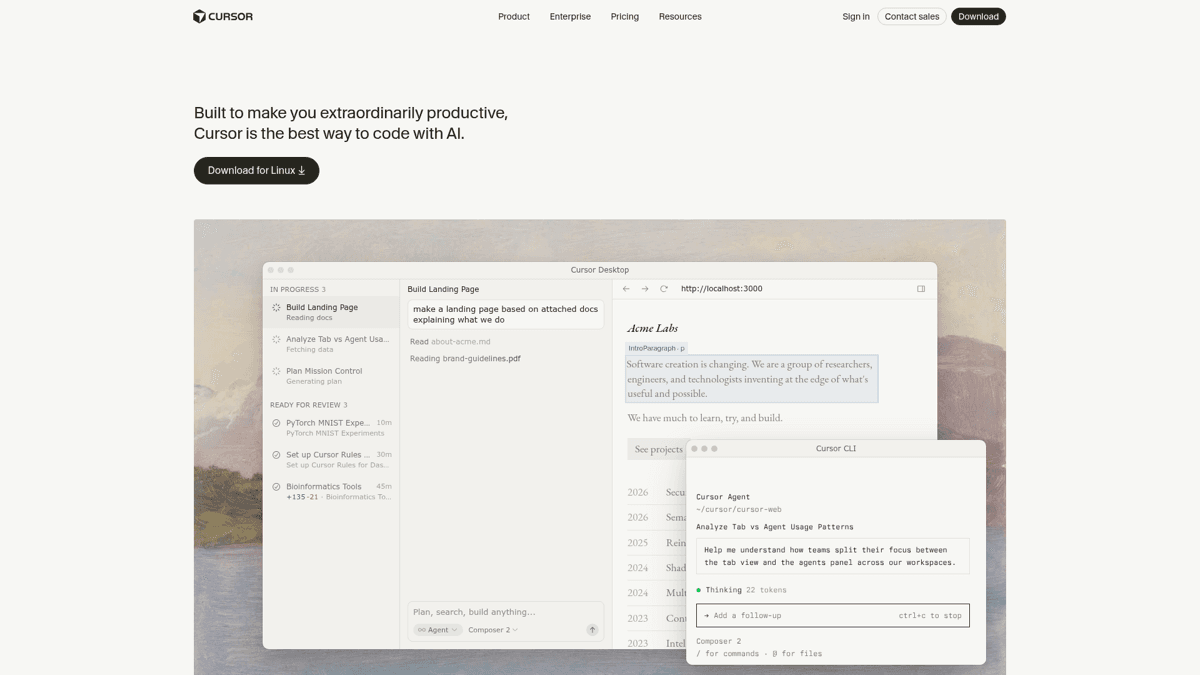
Cursor is the most recommended tool in Reddit threads for vibe coding iOS apps. It is a VS Code fork with built-in AI that generates Swift, SwiftUI, or React Native code. You still need Xcode installed to build and submit your app, but Cursor handles the code writing.
The free tier includes 2,000 completions per month - enough to build a simple app. The Pro tier at $20/month gives you unlimited access to GPT-4 and Claude models. For iOS development, the key advantage is full code visibility and control.
Claude Code
Claude Code is Anthropic's terminal-based coding agent. Unlike Cursor's editor approach, Claude Code works directly in your project directory and handles entire multi-file changes in one conversation.
Comparing vibe coding tools for App Store apps
“Claude Code, without a doubt. I tried Cursor, Codex, and GitHub Copilot, but CC is the best by far. Worth noting: you'll probably need the Max tier. As for App Store submissions, it's not as straightforward as it seems...”
The terminal interface may feel intimidating if you have never used a command line before. But for serious projects, the ability to manage your entire codebase through conversation is hard to beat.
Lovable
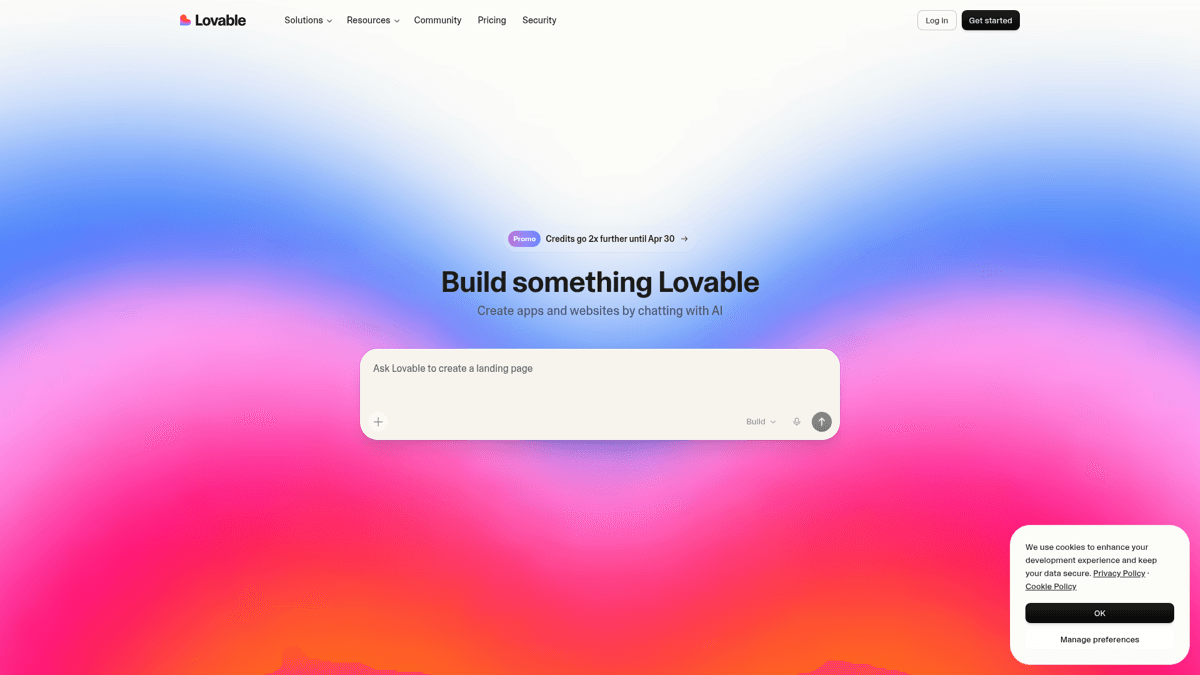
Lovable is a visual AI app builder with instant previews. It has the lowest barrier to entry - you describe your app, see a live preview, and iterate visually. The catch: Lovable is primarily a web app builder. Getting to a native iOS app requires exporting to React Native and additional tooling.
Use Lovable for prototyping your idea quickly, then consider switching to Cursor or Claude Code for the actual iOS build.
Replit
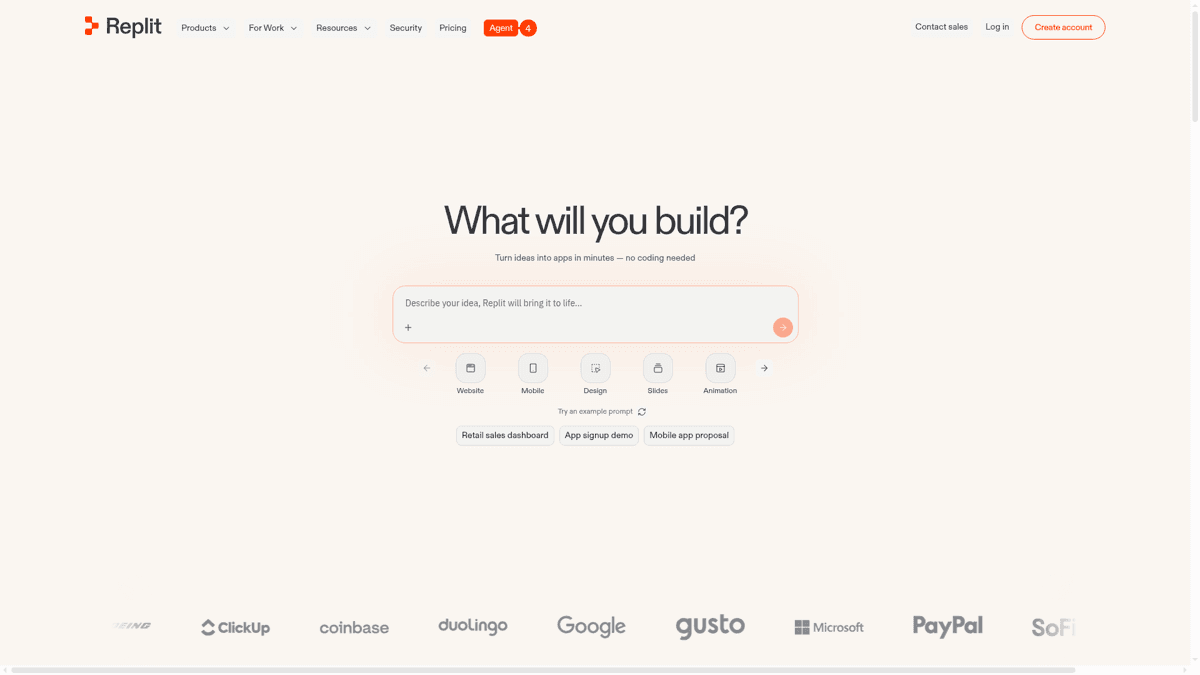
Replit runs entirely in your browser - no local setup, no installing Xcode (at first). It supports React Native development and has built-in AI assistance. The downside: iOS building still requires Apple's toolchain at some point, and performance can lag on larger projects.
Vibecode App
Vibecode App is purpose-built for creating mobile apps. It handles the App Store submission workflow, making it the most streamlined option for non-developers. It is a newer platform with less community validation, but the mobile-first approach is promising.
The React Native + Expo pathway
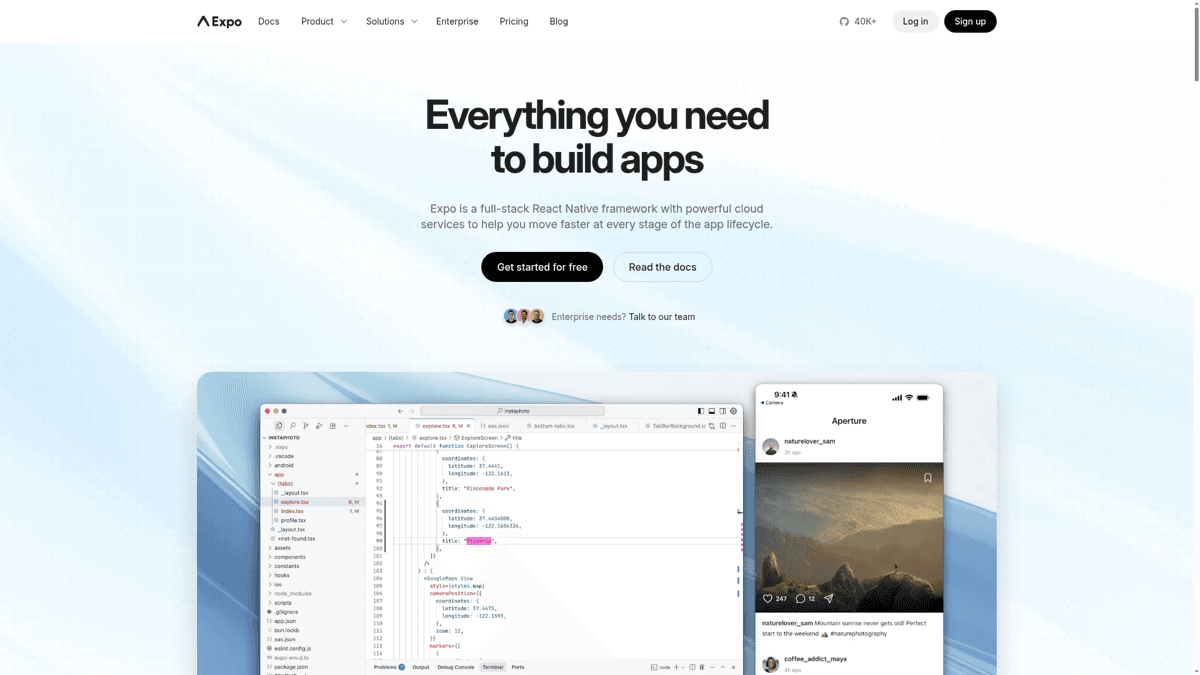
Regardless of which AI tool you choose, the community-recommended stack for vibe coding iOS apps is React Native + Expo. React Native lets you write one codebase for both iOS and Android. Expo adds managed build services (EAS Build) so you can compile your app for the App Store without a Mac - though you still need an Apple Developer Account.
The alternative is native SwiftUI, which gives you the best iOS performance but locks you into Apple's ecosystem and requires Xcode on a Mac.
The vibe-code-to-App-Store pipeline
Building the app is only step two of five. Here is the full pipeline from idea to published App Store listing.
Prototype your idea
Use Lovable or Replit to create a quick visual prototype. Spend 1-2 hours, not 1-2 weeks. The goal is to validate the UI flow and core concept before investing in a full build. Share the prototype with 5 people and ask: 'Would you download this?'
Build the core app
Switch to Cursor or Claude Code for the real build. Use React Native + Expo for cross-platform, or SwiftUI for iOS-only. Focus on your 3 core features first. AI will get you 70-80% of the way - accept this and plan for manual refinement.
Polish the last 20%
This is where most vibe-coded apps fail. Test every button, fix every edge case, remove placeholder text, add proper error handling. Test on a real device (not just the simulator). This step takes 2-5x longer than you expect but makes the difference between approval and rejection.
Set up your developer account
Register for an Apple Developer Account ($99/year). Create your app listing in App Store Connect - title, subtitle, description, screenshots, keywords. Don't rush this step; your listing is your storefront.
Submit to App Review
Upload your build via Xcode or EAS Submit. Include a clear demo account if your app requires login. Write review notes explaining what your app does and how to test it. Average review time is 24-48 hours, but first submissions may take longer.
The 5-step pipeline from vibe coding to the App Store
Honest assessment of AI coding tools' limitations
“All will get you to around 70-80% complete. It hits a point you have to do surgical code. Last night it failed to fix a bug, I looked at the code and it took me 20 min of my own time to debug and get it to work.”
🚫 Common rejection reasons for vibe-coded apps
Guideline 4.3 (Spam): Your app looks like dozens of others already on the store. Minimum Functionality: Your app is just a wrapper around a web view or does one trivially simple thing. Missing Privacy Policy: Every app needs one, and AI tools rarely generate it for you. Crashes on Launch: Test on a real device, not just the simulator.
How to survive App Store review
Apple's reviewers are pickier than ever. The flood of AI-generated apps means they are looking for any reason to reject. Here is what experienced developers say is happening.
On the current state of App Store review
“Yes the review queue is completely backed up. The flood gates have been opened with apps and it's some weird gold rush right now. I never thought making apps would be picked up by influencers/grifters.”
Experienced developer on increased review scrutiny
“I've had apps that sailed through review for years suddenly getting nitpicked to death over stuff that was already approved. The AI spam problem is real - you can tell when someone just threw together a ChatGPT app in an afternoon.”
The good news: quality apps still get approved. Use this checklist before every submission.
✅App Store Review Survival Checklist
Complete every item before submitting your vibe-coded app
No placeholder text or Lorem Ipsum anywhere in the UI
AI tools love leaving 'Coming Soon' buttons
Privacy policy hosted at a real URL and linked in App Store Connect
Required for every app, not just those collecting data
App Tracking Transparency dialog if using any analytics
App launches without crashing on iPhone and iPad
Test on a real device, not just simulator
Clear, unique purpose - not a clone of existing apps
Guideline 4.3 (Spam) is the #1 rejection reason for vibe-coded apps
All features actually work (no dead buttons or broken links)
Proper app icon, launch screen, and screenshots
AI-generated icons are fine if they look professional
Review notes with demo credentials (if login required)
Tested on the latest iOS version
App description accurately describes what the app does
Don't overclaim - reviewers will check
Optimize your App Store listing before launch
This is the section that no vibe coding guide covers - and it is the most important one. Getting approved is only half the battle. If nobody can find your app, it does not matter how good it is.
App Store Optimization (ASO) is the process of making your app discoverable in App Store search results. Over 65% of app downloads come from App Store search, so your keyword strategy directly determines how many users find you.
Keyword research for vibe-coded apps
Before you write a single word of your App Store listing, you need to research what your potential users are actually searching for. This is where most vibe coders make a critical mistake - they guess keywords instead of using data.
Find relevant keywords
Use an ASO tool to discover what terms people search for in your app's category. Look for keywords with decent search volume (50+ popularity score) and manageable competition.
Check keyword difficulty
High-volume keywords like 'fitness' or 'notes' are dominated by Apple and major apps. Look for long-tail keywords with lower difficulty scores - these are where indie apps win.
Analyze the competition
Search each keyword in the App Store and look at what's ranking. If the top 10 results are all from major companies, pick a different keyword. If you see indie apps ranking, that keyword is winnable.
Write your optimized listing
Your app title (30 chars) and subtitle (30 chars) are the most important keyword real estate. Your keyword field (100 chars) adds more terms. Pack in relevant keywords without keyword-stuffing.
Keyword research workflow for first-time app publishers
AI-powered keyword research
ASO Maniac's keyword research tool helps you find winnable keywords, check difficulty scores, and analyze what competitors are ranking for - all powered by AI. It's the natural next step after vibe coding your app: optimize your listing so people can actually find it.
Screenshot and description strategy
Your App Store screenshots are your app's first impression. Take real screenshots (not mockups), add short captions highlighting key features, and show the app in action. For the description, lead with the core benefit in the first two lines - that is all users see before tapping "more."
For a deeper dive into keyword strategy, check out our complete App Store keywords guide and the 8 discovery channels most developers ignore.
Real developer experiences
The vibe coding community is split. Professional developers worry about the quality flood. New developers are excited but scared of rejection. The reality is somewhere in between - quality apps still get approved, but you need to put in the work that most vibe coders skip.
Developers who have shipped successfully share a common pattern: they treated vibe coding as a starting point, spent significant time on manual polish, and invested in their App Store listing. The ones who got rejected usually submitted their first AI output without testing or refinement.
Summary
Vibe coding has made app development accessible to anyone with an idea. But the App Store is not just about building - it is about being found. The tools will get you 80% of the way there. Quality polish and ASO optimization handle the rest.
Pick your tool (Cursor or Claude Code for serious projects, Lovable for quick prototypes), build your app, polish that last 20%, pass App Review, and then - critically - optimize your listing so users can actually find you. That last step is what separates apps that get 10 downloads from apps that get 10,000.
🚀Pre-launch pipeline checklist
The complete vibe-code-to-App-Store pipeline in one checklist
Choose your vibe coding tool (Cursor, Claude Code, Lovable, or Replit)
Prototype your idea in 1-2 hours, not weeks
Build core features with React Native + Expo or SwiftUI
Polish the last 20% - test every button on a real device
Register Apple Developer Account ($99/year)
Research keywords before writing your App Store listing
Use ASO Maniac or another keyword research tool
Write optimized title, subtitle, and keyword field
Create App Store screenshots with feature captions
Complete the App Store Review survival checklist above
Submit to App Review with clear review notes